
Canva’s Brand Kit is one of the most useful features for small teams: it keeps your logos, colours and fonts one click away, so every social post, flyer and presentation looks like it came from the same business. Here is how to set one up properly, and what a good brand kit actually contains.
Key takeaways
- A Brand Kit stores your logos, colour palettes and fonts inside Canva.
- Prepare your assets first: logo files, exact hex codes and font names.
- Brand Kits are part of Canva’s paid plans. Check your plan if the option is missing.
- Branded templates are what make the kit save real time.
What is a Canva brand kit?
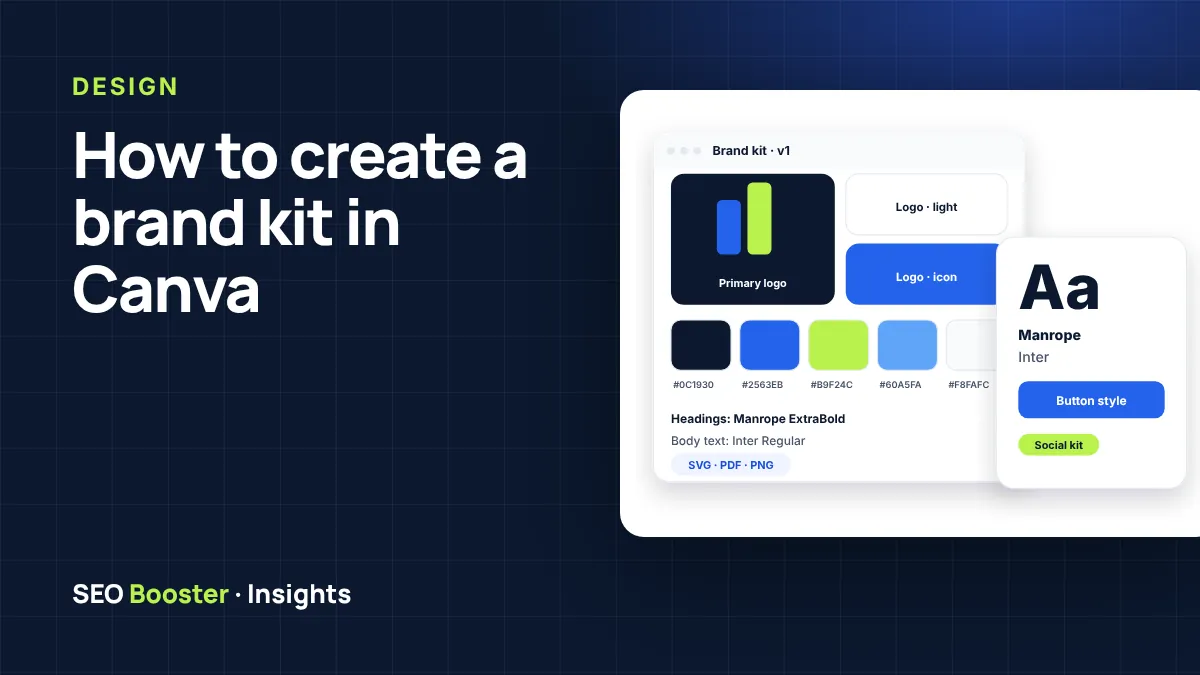
A brand kit in Canva is a saved set of your brand assets: logos, colour palettes, fonts and, on some plans, guidelines and brand templates. Once it is set up, everyone on your team picks from the same approved assets instead of guessing colours or downloading old logos. Canva documents the feature in its help centre (Canva: Set up Brand Kits).
Before you start: prepare your assets
- Logo files in PNG with a transparent background, plus SVG if you have it. Include light and dark versions.
- Exact colour codes in hex format, for example #0C1930. Do not pick colours by eye from a screenshot.
- Font names for headings and body text. If your brand uses a licensed font, check that you are allowed to upload it.
- A short tone-of-voice note, such as “friendly, plain English, no jargon”, if your plan supports guidelines.
How to set up a brand kit in Canva, step by step
- Open Canva and select Brand from the side panel on the homepage.
- Choose to create a new Brand Kit and give it a clear name, such as your business name.
- Upload your logos: main, icon-only and light versions.
- Add your colour palette using the exact hex codes.
- Set your fonts for headings, subheadings and body text.
- Add guidelines and brand templates if your plan includes them.
On some plans, Canva can also build a kit automatically from your website or a brand guidelines PDF (Canva: Brand Kit Builder). It is a helpful start, but always review what it extracts. Logos and colours are not always picked up correctly.
What a good brand kit includes
| Asset | Why it matters |
|---|---|
| Logo variations | A wide logo, an icon and a light version cover almost every layout. |
| Primary and accent colours | Two or three main colours plus neutrals keep designs consistent. |
| Two fonts, maximum | One for headings and one for body text is easier to keep consistent. |
| Branded templates | Ready-made social posts and documents are what save your team real time. |
| Simple guidelines | Do’s and don’ts stop well-meaning team members from stretching the logo. |
Common brand kit mistakes
- Uploading a blurry logo screenshot instead of the original file.
- Adding ten colours “just in case”. Fewer colours make stronger branding.
- Mixing fonts that look too similar, which reads as a mistake rather than a choice.
- Never building templates, so everyone still starts from a blank page.
Do you need a designer?
If you already have a professional logo and colours, setting up the kit yourself takes under an hour with this guide. If your logo is outdated, or you want ready-made templates your team can use straight away, our graphic design and branding packages include a Canva Brand Kit Setup with five branded templates.
Turning your brand kit into templates
The kit only saves time when your team has templates to start from. Begin with the five formats you use most often, for example a square social post, a story, a quote card, a one-page flyer and a presentation cover. Build each with locked logo positions and your brand fonts, then share them with the team. From then on, new designs take minutes instead of starting from a blank page.
Frequently asked questions
Is Canva Brand Kit free?
Brand Kits are part of Canva’s paid plans, such as Pro and Teams. Free accounts have limited brand options, so check Canva’s current plan details.
Can I have more than one brand kit?
On team plans you can create several kits, which is useful for agencies or businesses with sub-brands.
Can I upload my own fonts to Canva?
On supported plans, yes, as long as your font licence allows it.
What is the difference between a brand kit and brand guidelines?
The brand kit stores the assets. Guidelines explain how to use them: spacing, logo do’s and don’ts, tone of voice and examples.
Want your Canva brand kit set up for you?
We add your logos, colours and fonts to Canva and design five branded templates for your team.