
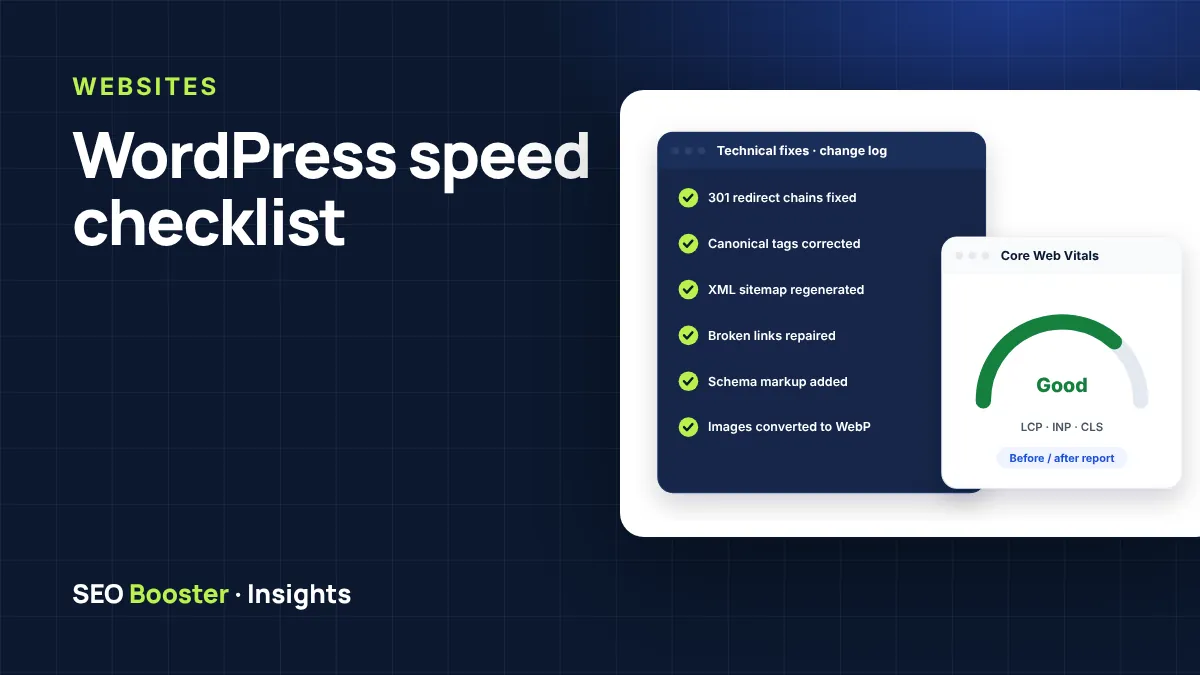
A slow site loses visitors and sales, and Core Web Vitals are part of how Google assesses page experience. Before paying for optimisation, work through this checklist. Many sites get much faster from the first few items alone.
Measure first
Test your homepage and one key page in Google PageSpeed Insights. Note the Largest Contentful Paint (LCP), Interaction to Next Paint (INP) and Cumulative Layout Shift (CLS). Google’s “good” thresholds are LCP up to 2.5 seconds, INP up to 200 milliseconds and CLS up to 0.1.
The checklist
- Compress images. Serve WebP or AVIF and resize images to the size they are displayed at.
- Lazy-load below-the-fold images, but never the main hero image, which should load first.
- Use page caching. Most hosts offer it, or use a reputable caching plugin.
- Remove unused plugins. Deactivate and delete anything you do not need.
- Check your theme and builder. Heavy page builders can add a lot of CSS and JavaScript to every page.
- Limit third-party scripts such as chat widgets, trackers and embedded feeds. Each one adds load time.
- Host fonts locally and load only the weights you use.
- Reserve space for images and embeds so the layout does not jump as the page loads (CLS).
- Update PHP to a currently supported version. It is free speed.
- Clean the database of old revisions, spam comments and expired transients.
- Use a CDN if your visitors are spread across countries.
- Review hosting. If the server response time (TTFB) is slow on a cached page, the host may be the bottleneck.
Lab scores vs real users
PageSpeed lab scores are useful for testing, but Google uses data from real visitors (the Chrome UX Report) where available. A perfect lab score is not required. Aim for real users to experience “good” vitals.
Need help? Our Core Web Vitals optimisation includes a backup, the fixes and an honest before/after report, and our maintenance plans keep a site fast after updates.